Employee IT offboarding checklist
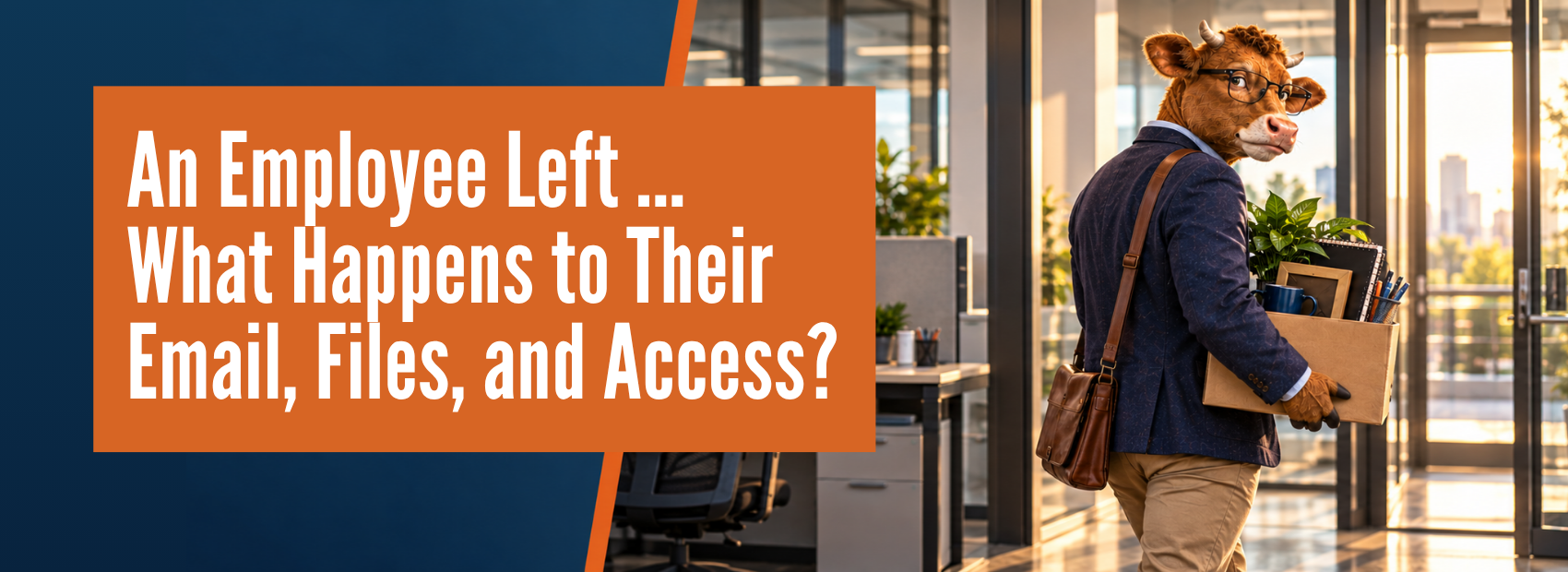
What should happen when an employee leaves?
Follow these three stages to secure access and preserve important work.
Before the employee’s final day
- Set the final working time and access cutoff.
- Assign an owner for email, files, and ongoing work.
- Inventory devices, applications, roles, keys, and badges.
- Confirm retention, legal, compliance, and HR requirements.
- Plan the customer, vendor, and coworker handoff.
When access should end
- Block Microsoft 365 and other business sign-ins.
- Reset passwords and revoke active sessions.
- Disable VPN, remote access, and administrator privileges.
- Secure or remove company data from managed devices.
- Collect computers, phones, keys, badges, and equipment.
After access is secured
- Transfer email, files, and important records.
- Reassign calendars, Teams, groups, and workflows.
- Remove vendor, phone, password manager, and app access.
- Change shared credentials, then remove licenses after protecting the data.
- Document what was completed, by whom, and when.
Do not begin by deleting the account. Secure access and preserve the information the business needs first.
Executive Takeaway: Could your business complete this process today?
Consider one practical scenario: a key employee leaves this afternoon. Would someone know every system they can access, where their important files live, which customers rely on their inbox, and what automated processes they own?
If the answer depends on one person’s memory, then the company has more exposure than it realizes.
Strong offboarding does not require a huge internal IT department. It requires a defined process, a current view of user access, and coordination between business leadership and whoever manages the technology.
BrownCOW Technology helps businesses across Cincinnati, Northern Kentucky, Dayton, and Columbus manage employee accounts, devices, Microsoft 365, data protection, and the day-to-day IT controls that are easy to overlook until someone leaves.
*P.S. — Need to tighten up your employee onboarding and offboarding process? Schedule a FREE IT Strategy Call with BrownCOW Technology.
Related Resources:
- How to Use AI at Work Without Risking Company Data
- Managed AI for Business Teams
- Hackers Aren’t Breaking In Anymore—They’re Logging In
- Cyberattacks in Cincinnati — and the Security Gaps They Exposed
- How Cincinnati SMBs Can Use AI Safely—and Actually See ROI
- RAM Price Surge and What It Means for Cincinnati IT Budgets
- Penetration Testing Services for Compliance, Regulation, and Cyber Insurance
Not sure your cybersecurity would hold up under review?
Cyber insurance renewals, security questionnaires, and client requirements are asking businesses to prove their IT controls are actually in place.
Review cyber insurance and security requirements
Strengthen MFA, backups, endpoint protection, and email security
Identify gaps before they become expensive problems
Monitor systems 24/7 with real-time protection
We’ll help you understand what’s protected, what needs attention, and what to review next.

PROTECTING OUR HERD FROM CYBER THREATS
Medical & Dental
Property Management
Manufacturing
Professional Services